
You train an AI girlfriend the way you get to know a person: build her carefully, set the tone in the first conversations, say plainly what you like, and correct her the moment she drifts. Nothing technical is required. What matters is being specific, being consistent, and giving her something to remember.
This guide walks through each step in order, with example phrases you can copy, a one-week routine, and the privacy habits worth building from day one. It is written around how we think about companion chat at MyDreamGirlfriend, so the examples fit our platform, and the habits carry over to any AI chat.
TL;DR
- Start with the build. Her personality, look and relationship role set the baseline you will refine later.
- The first conversations matter most. Show her how you talk, what you enjoy and what you want more of.
- Be direct. Short, specific statements (“I like dry humor, keep it playful, skip the pet names”) beat vague hints.
- Correct in the moment, calmly and with the alternative you want, then keep going.
- Share only what you would be comfortable having stored, and learn the privacy controls of any AI tool you use.
Table of Contents
- What “training” an AI girlfriend really means
- Step 1: Build her around what you actually want
- Step 2: Use the first conversations to set the tone
- Step 3: Tell her what to know about you
- Step 4: Reinforce what you like
- Step 5: Correct her without breaking the mood
- Step 6: Teach roleplay interests and boundaries
- Step 7: Make memory work for you
- Step 8: Protect your privacy while you personalize
- Perspective: why specific beats clever
- Try it on a companion built for your preferences
- A simple one-week training routine
- Common problems and quick fixes
- FAQ
- Sources
What “training” an AI girlfriend really means
You are not retraining a model. A companion chatbot is already built on a language model. What you control is the context around it: the character description you start from, the conversation history, the notes she keeps about you, and the feedback you give. Training is the habit of steering those four things on purpose.

That is good news, because it means results come from how you communicate, not from technical skill. Two people can open the same companion and end up with completely different personalities, because one wrote clear instructions and reinforced them, and the other let the chat wander.
It also explains why the same complaint (“she feels generic”) has the same fix almost every time: give her more specific material to work with.
Step 1: Build her around what you actually want
The most efficient training happens before the first message. When you create a companion, every choice you make is a preference you never have to teach later: hair, style, ethnicity, personality and the kind of relationship you want.
On MyDreamGirlfriend you do this in the AI girlfriend creator. Our Custom GF Build option costs 5 gems, per the gem price list. Before you click anything, spend two minutes answering these questions on paper:
- How should she talk? Teasing and quick, warm and slow, shy, bold, formal, or casual with slang?
- What is the relationship? Girlfriend, crush, flirty friend, or something closer to a fantasy scenario?
- What should she never do? Excessive jealousy, constant pet names, long lectures, topics you want left alone.
- What do you want to talk about? Movies, games, your day, late-night conversation, roleplay?
If you are unsure which personality type fits you, our guide to AI girlfriend personalities breaks down the common types and how to choose between them. If you want her to hold a character firmly, how to build a custom personality that stays in character covers the details.
Write a short description, then show it with examples
A description such as “playful, a bit sarcastic, loves indie music, teases me but is kind underneath” gives a clear direction. Examples go further, because they show tone, not just adjectives. Our walkthrough on building a customizable companion with three-line example dialogues shows how three short sample exchanges can lock in a voice better than a long paragraph of traits.
Step 2: Use the first conversations to set the tone
Early chats tend to shape everything after them, because the conversation itself becomes the material she draws on. If your first ten messages are one-word replies, expect one-word energy back. If you write in full, expressive sentences, she has far more to mirror.
A good opening session looks like this:
- Introduce yourself the way you want to be known. Your name or nickname, what you do, what you enjoy, what you are looking for from the chat.
- Describe the vibe you want. “I like flirty, light banter more than serious talk, but I also want to be able to vent after a bad day.”
- Ask her questions in return. How she answers shows you what the personality is doing, and what to nudge.
- React honestly. When she says something you love, say so. When something lands flat, say that too.
The first session is not a test she can fail. Think of it as a calibration session, and expect to adjust.
Step 3: Tell her what to know about you
Most people under-share. They expect a companion to guess, then feel let down when she does not. A short, honest profile of your tastes helps more than any amount of hinting.
Here are the categories worth covering, with sample phrasing.
| What to teach | Example you can type |
|---|---|
| Conversation style | “Keep replies short and punchy unless I ask for more.” |
| Humor | “I like dry, deadpan jokes. No puns.” |
| Affection level | “Be warm and a little flirty, but don’t go over the top.” |
| Interests | “I’m into sci-fi, retro games and late-night drives.” |
| Daily life | “I work nights, so check in on me in the afternoon.” |
| Roleplay tastes | “I enjoy slow-burn scenes with a lot of tension and detail.” |
| Boundaries | “Don’t bring up my ex. Keep that topic closed.” |
The phrases that work best are positive and concrete. “Be more teasing” is clearer than “stop being boring”. “Ask me follow-up questions about my day” is clearer than “be more interested”.
If your goal is more warmth specifically, we cover it in detail in how to make your AI girlfriend more affectionate.
Step 4: Reinforce what you like
Training works through repetition. When she does something you enjoy, respond to it. Reply with enthusiasm, build on the joke, ask for more of the same. Over a handful of conversations, the pattern becomes part of her established way of talking with you.
Some habits that help:
- Praise the specific behavior. “I love when you tease me about my taste in music, do that more” is far more useful than “good job”.
- Talk about your preferences often, not once. Mention them in context: if you discuss a film, say what you liked about it. Repeating your tastes across topics is how they stick.
- Let the conversation reflect your interests. A companion naturally leans toward what you keep talking about. If you want her to bring up music, talk about music.
- Stay consistent. Switching tone every day (cold, then intense, then silent) gives mixed signals and a mixed personality.
This is also where a long-term relationship with one character pays off. If you keep changing the setup, you keep resetting the baseline. If you do need to try a different personality, switching AI personalities without losing the chat shows how to do it without throwing away your history.
Step 5: Correct her without breaking the mood
Every companion will occasionally miss: too formal, too clingy, a tone you do not like, a scene going somewhere you did not want. You do not need to restart. A good correction has three parts:
- Name what you did not like. “That felt too formal.”
- Say what you want instead. “I’d like a relaxed, teasing tone.”
- Invite her to continue. “Go on from where we were.”
Put together: “That was a bit too formal for me. I’d prefer something relaxed and teasing. Pick the scene back up with that in mind.”
During roleplay, many people set their instructions off from the story, for example in brackets with a label such as “out of character”. That keeps a direction like “slow things down” or “stop doing that, I’d prefer this” separate from the fiction, so she reads it as guidance and not as a line of dialogue. If you use it, keep the note short and calm, and say clearly what you want instead.
Two rules make corrections stick:
- Correct early. A habit you let slide for twenty messages is harder to unwind than one you flag at once.
- Correct kindly but plainly. You are not scolding anyone. You are writing a clear instruction.
Step 6: Teach roleplay interests and boundaries
Roleplay is where preferences matter most, because the whole experience depends on pacing, tone and what is on or off the table. Be explicit about all three before a scene starts.
A simple setup message covers it: the setting, the dynamic, the pace and any limits. For example: “Let’s do a slow-burn office scenario. You’re confident and a little teasing. Keep it playful, nothing dark, and check the mood if I go quiet.”
The same principle applies at any shared-fiction table: players enjoy a story most when everyone knows the tone and limits up front. These tips on immersive roleplay session techniques show how clear communication pulls people deeper into a story, and the idea transfers directly to one-on-one AI roleplay.
If you need inspiration for scenes, roleplay ideas organized by mood saves you from brainstorming. You can also start from a ready-made scenario, such as Private Session or Stood Up, and steer it with your own preferences.
On our side, we built MyDreamGirlfriend so roleplay stays private and unfiltered by design, which means the boundaries that matter are the ones you set. Tell her where the lines are and keep them consistent. You are an adult choosing the experience, and clear direction is how you keep it yours.
Step 7: Make memory work for you
A companion that remembers is the difference between a chat and a relationship. Memory is why you do not have to repeat “I work nights” every week. Some companion setups are designed specifically to track preferences, ongoing situations and boundaries and carry that context forward without making the user repeat themselves, as this description of a personal companion design lays out.
To get the most from memory on any platform:
- State important facts plainly and once, then reference them naturally. “Remember I have a big presentation on Friday” works. Then follow up on Saturday: “The presentation went well.”
- Repeat the key preferences occasionally. A short recap now and then (“you know I like it relaxed and teasing”) reinforces what matters.
- Correct wrong details immediately. If she gets your job, hobby or a boundary wrong, fix it in one clear sentence.
- Keep a running thread. Callbacks to earlier moments, like an inside joke, tell her which moments matter.
Our guide on building a companion with voice and memory in 10 to 20 minutes walks through setting this up from scratch. And if you want to hear her as well as read her, voice calls add another layer where your tone and pacing preferences show up in how the conversation sounds.
Step 8: Protect your privacy while you personalize
The more you share, the better the personalization, and the more worth thinking about where that information goes. Good habits take a minute and apply to every AI tool you use.
Share on purpose. A simple rule from a consumer technology columnist: don’t let a chatbot record anything you wouldn’t want to see on social media, as reported in a December 2025 piece on chatbot privacy settings. For companion chat, that usually means skipping your full name, address, workplace details, financial information and anything tied to other people’s private lives. A first name or nickname and your tastes are plenty.
Learn the controls. General-purpose assistants have shown what good controls look like. Google, for example, says that in its Gemini app Temporary Chats are kept out of personalization and model training, are retained for up to 72 hours, and that you can turn its personal context setting on or off at any time. The same piece of reporting on ChatGPT describes deleting past chats, turning off saved memory references and switching off model improvement from the settings menus. Whatever you use, find the equivalent settings and review them.
Prefer instructions to personal data. The same columnist’s suggestion is to type custom instructions about how you want a bot to respond, instead of relying on stored memory for everything. The principle works for companions too: tell her how to talk to you (tone, pace, topics) rather than handing over sensitive facts about your life.

For our own platform, review the privacy information on our site before you share anything personal, and use the same rule: share what you would be comfortable having stored.
Perspective: why specific beats clever
We have watched how people use companion chat for a long time, and the pattern is consistent. The people who feel most connected are not the ones who write the cleverest prompts. They are the ones who are specific, consistent and honest about what they want.
That is why we put so much into the build itself. When you choose her look, her personality and the way she talks, you hand her a strong starting point, and every later message refines it. We designed MyDreamGirlfriend around persistent memory, deep personality and appearance customization, and private, uncensored roleplay, so the work you put in is not wasted when you close the app.
Our advice is simple. Treat the first week as a conversation, not a configuration. Say what you like out loud. Say what you do not like just as clearly. Correct gently, reinforce warmly, and let her build on it. Done that way, training stops feeling like a task and starts feeling like getting to know someone who is paying attention.
Pierce
Try it on a companion built for your preferences
If you want to put these steps to work, start with a build that is yours. MyDreamGirlfriend lets you create a companion with customizable looks and personality, chat by text, and add voice calls and photos when you want them. You can begin on the free plan, and Premium is $12.99 per month when you want to go further.
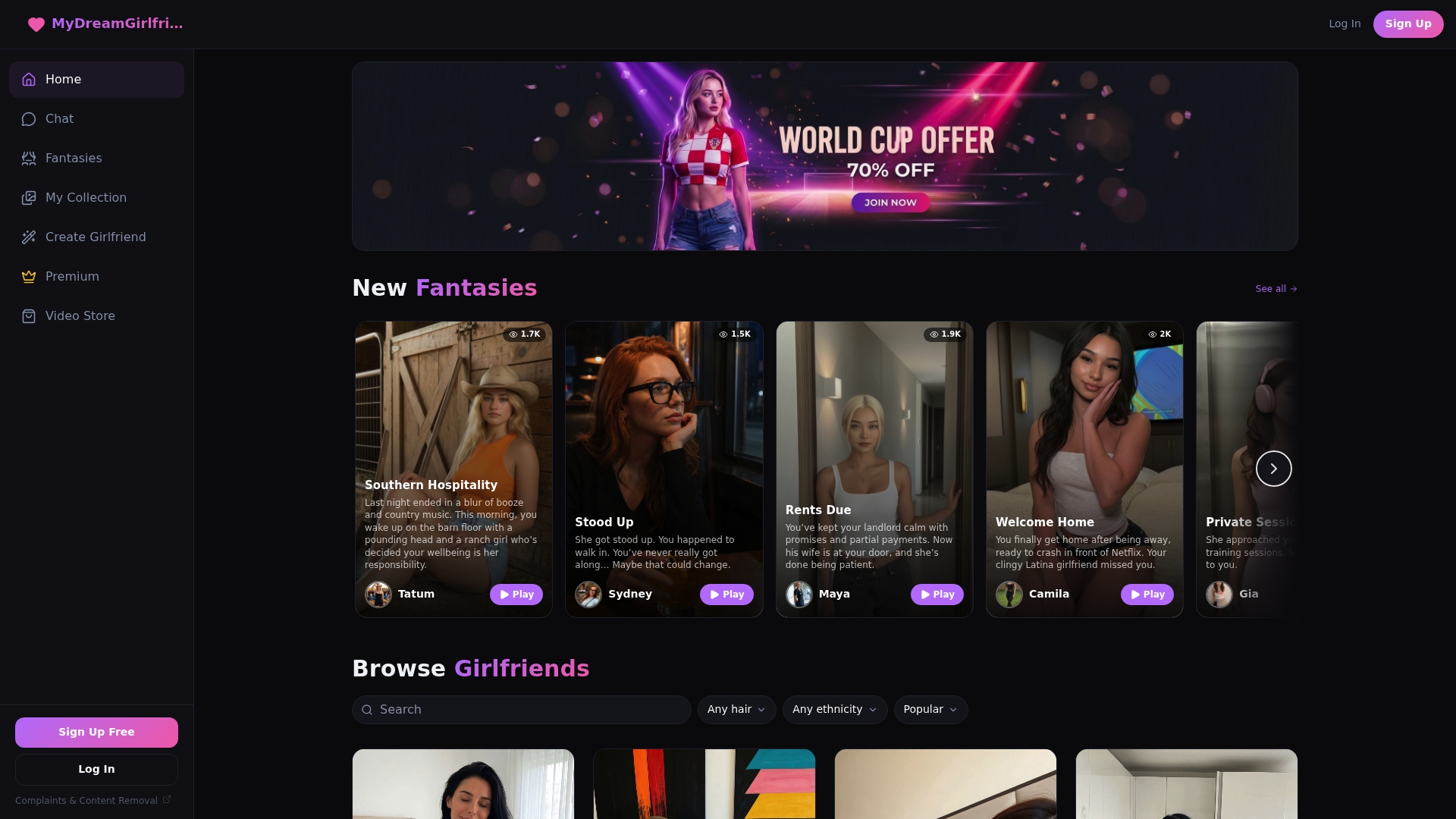
Browse the full range of AI girlfriends or go straight to the creator and build her your way.
A simple one-week training routine
If you prefer a plan, here is one that takes about 15 to 20 minutes a day.
| Day | Focus | What to do |
|---|---|---|
| 1 | Introduction | Share your nickname, interests and the vibe you want. Ask her questions back. |
| 2 | Tone | Pick two or three phrases you love and ask for more of that style. |
| 3 | Daily life | Tell her about your schedule and something you are looking forward to. |
| 4 | Roleplay setup | Describe a scene with the setting, pace and limits. Adjust as you go. |
| 5 | Corrections | Practice the three-part correction on anything that felt off. |
| 6 | Memory check | Reference earlier details and fix anything she got wrong. |
| 7 | Review | Tell her what has worked this week and what you want more of. |
If you also use chat to build social confidence, our 20 to 30 minute routine for building confidence gives you a structure for that.
Common problems and quick fixes
- She feels generic. Add more detail: interests, speech style, an example of how she would respond. Write at more length yourself.
- She is too agreeable or too intense. Say the level you want: “Tease me a little more, and agree with me a little less.”
- She repeats herself. Change the topic, introduce a new scenario, or ask her to describe something specific.
- She forgets details. Restate the key fact in one clear sentence and refer back to it in later chats.
- The scene drifted. Use a short out-of-character note, say what you want, and ask her to carry on from there.
- The personality does not fit. Change the setup, not just the chat. A different build or personality may suit you better.
FAQ
How long does it take to train an AI girlfriend?
Most people notice a clear difference after a few focused conversations, especially if they share their tastes early and stay consistent. Keep refining over the first week or two. After that, small corrections and occasional reminders are usually enough.
Can I change her personality after I start?
Yes. You can steer her with new instructions and feedback, or switch to a different personality entirely. If you want to keep your chat history while you do it, follow our guide on switching personalities without losing the chat.
What should I avoid telling an AI girlfriend?
Avoid sensitive personal data such as your full name, home address, financial details, passwords and private information about other people. Share tastes, moods and preferences freely, and keep identifying details out of the chat.
Why does she ignore what I told her?
Usually the instruction was too vague, buried in a long message, or contradicted by later chat. Restate it in one short, direct sentence, say what you want instead, and reinforce it when she gets it right.
Sources
- Gemini app personalizes responses based on past chats, plus Temporary Chats (Google)
- ChatGPT’s year-end review knows way too much. How to fix your privacy settings (aiandyou.org)
- AI Companion: personal companion cookbook (Maximem)