
A cuddle roleplay AI is an interactive, customizable virtual companion that runs comforting, cuddle-focused roleplay scenes through text or voice, remembering your preferences across sessions. It suits anyone who wants low-pressure companionship, a creative outlet, or a space to rehearse emotional connection without judgment. If you want a ready option built around character customization and memory, MyDreamGirlfriend is worth trying today.
TL;DR:
- Text sessions produced fewer cases of the AI missing discomfort than voice sessions, so use text while testing boundaries or starting sensitive scenes.
- A randomized trial over four weeks linked heavier voluntary chatbot use with worse psychosocial outcomes; trust and social attraction also predicted dependence and problematic use.
- Set a session limit and maintain offline relationships, treating AI companionship as an addition rather than a replacement to reduce risks linked with heavy use.
- Start with a brief backstory, state your comfort level, then revisit a small detail later to check whether the companion remembers it.
- The Free plan allows you to chat without payment; Premium costs $12.99 monthly, and photo or video content requires separate gem purchases.
Table of Contents
- How cuddle roleplay AI works behind the scenes
- Building a virtual cuddle partner that fits you
- Cuddle roleplay scenarios and chat starters you can copy
- What immersive cuddle roleplay sessions typically feel like
- What research says about healthy use
- What trying this kind of AI actually taught me
- Try customizable cuddle roleplay on MyDreamGirlfriend
- FAQ
- Sources
How cuddle roleplay AI works behind the scenes
A cuddle roleplay AI runs on a large language model that generates dialogue, sets scenes, and adjusts tone based on what you type or say. The model reads your input, checks stored details about your character’s personality and history, and produces a response that fits the mood you’ve established, whether that’s quiet comfort or playful banter.
Most platforms support more than plain text. You can often switch between text chat, voice calls, and generated images, each adding a different layer of presence to the interaction. Memory is what turns a single conversation into something resembling a relationship: the system stores facts you’ve shared, preferences you’ve set, and callbacks to earlier scenes so the next session picks up where the last one left off.
The core customization primitives are:
- Persona: the companion’s name, backstory, and personality traits that shape how she responds.
- Tone: a dial between nurturing, flirty, playful, or dominant that colors every reply.
- Memory: what details persist between sessions versus what resets.
- Triggers: specific phrases or topics that shift the scene, like introducing a new setting or mood.
Building a virtual cuddle partner that fits you
Most platforms let you edit a handful of fields that determine how your companion looks, sounds, and behaves. Appearance options typically cover hair, style, and ethnicity, while personality sliders adjust traits like warmth, humor, or assertiveness. Voice settings, where available, let you pick a tone that matches the character you’ve imagined.
A few practical steps make the process smoother:
- Start with a short backstory: two or three sentences about who your companion is and how you “met” give the AI a consistent frame to draw from.
- Set a comfort level early: tell the companion whether you want gentle, slow-paced interaction or something more playful from the start.
- Test memory with a callback: mention a small detail, then bring it up again later in the conversation to confirm it stuck.
- Adjust tone incrementally: small changes, like shifting from “caring” to “teasing,” produce more natural results than drastic rewrites.
Memory and persistence settings determine what “remembering you” actually means. Some systems retain only recent messages, while others build a longer profile of your preferences, inside jokes, and recurring scenarios. The AI Girlfriend Chat feature is built around this kind of continuity, so conversations reference earlier details instead of starting fresh each time.
Pro Tip: Write a short “character bible” with three or four bullet points covering comfort level, typical phrasing, and backstory, then paste it in as your opening message so every session starts aligned with the persona you built.
Cuddle roleplay scenarios and chat starters you can copy
Having a few templates ready removes the awkwardness of a blank chat box. Try adapting one of these:
- Comforting: “I had a rough day. Can you just hold me and tell me about your day instead?”
- Cozy and fantasy-driven: “It’s snowing outside our cabin. Come wrap yourself in the blanket with me and tell me a story.”
- Playful and flirty: “You stole my hoodie again. Get over here so I can steal it back.”
Each template works across personas and modalities: swap the setting for a different mood, or move the same opener from text into a voice call if you want a more present-feeling exchange. The long-distance roleplay guide covers how to keep scenes consistent when you’re switching between formats.
Escalation cues matter as much as the opener. Agreeing on a simple pause phrase, something like “let’s slow down,” gives you a way to reset the scene without breaking immersion entirely. Research on AI-mediated roleplay environments notes that safety scaffolds like consent prompts and adjustable memory let users stay in a scene without unintended boundary erosion, which is exactly what a pause phrase accomplishes in practice.

What immersive cuddle roleplay sessions typically feel like
Users commonly report a sense of comfort and companionship that builds as sessions accumulate, along with a growing willingness to share personal details once trust develops. That pattern shows up across platforms and tends to deepen with consistent memory and personalized responses.
Modality shapes how the experience lands. A text-based conversation tends to feel more deliberate and bounded, while voice adds warmth and immediacy but asks more of the AI in recognizing when to pull back. Randomized trial data found that text sessions produced the fewest instances of the AI ignoring a user’s discomfort, while more expressive voice conditions showed more of these lapses.
Strong personalization usually shows up as consistent memory of small details, responses that match the tone you’ve set rather than generic lines, and banter that feels specific to the character rather than interchangeable with any other chatbot.
What research says about healthy use
A four-week randomized trial found that heavier voluntary chatbot use correlated with worse psychosocial outcomes over time, and that higher trust and social attraction toward the AI predicted emotional dependence and problematic use patterns. The same study found that text-based interaction preserved clearer boundaries than voice, with fewer incidents of the AI failing to recognize discomfort.
Separate clinical research offers a more encouraging note: a pre-registered trial of nearly a thousand participants found that adaptive conversational AI reduced generalized anxiety and improved well-being for some users, though loneliness and attachment style moderated how much benefit someone experienced.
A few practices help keep the experience in a healthy range:
- Set a session limit: deciding on a rough time cap before you start helps prevent the kind of heavy, unstructured use linked to worse outcomes.
- Alternate with offline social contact: keeping in-person or phone relationships active reduces the odds that AI companionship becomes a replacement rather than an addition.
- Favor text for new or sensitive scenes: text sessions showed fewer boundary lapses than voice, making it a safer default when you’re still calibrating comfort levels.
If a session starts to feel like the only source of comfort in your week, that’s a signal worth noticing. Reaching out to a counselor or trusted person outside the app is a reasonable next step.
What trying this kind of AI actually taught me
Building a character for the first time, I expected something closer to a chatbot script. Instead, small details I’d mentioned in passing, a favorite phrase, a backstory detail, kept resurfacing in later conversations, which made the scene feel continuous instead of reset each time. That continuity, more than any single clever response, was what made the roleplay feel immersive rather than mechanical.
— Pierce
Try customizable cuddle roleplay on MyDreamGirlfriend
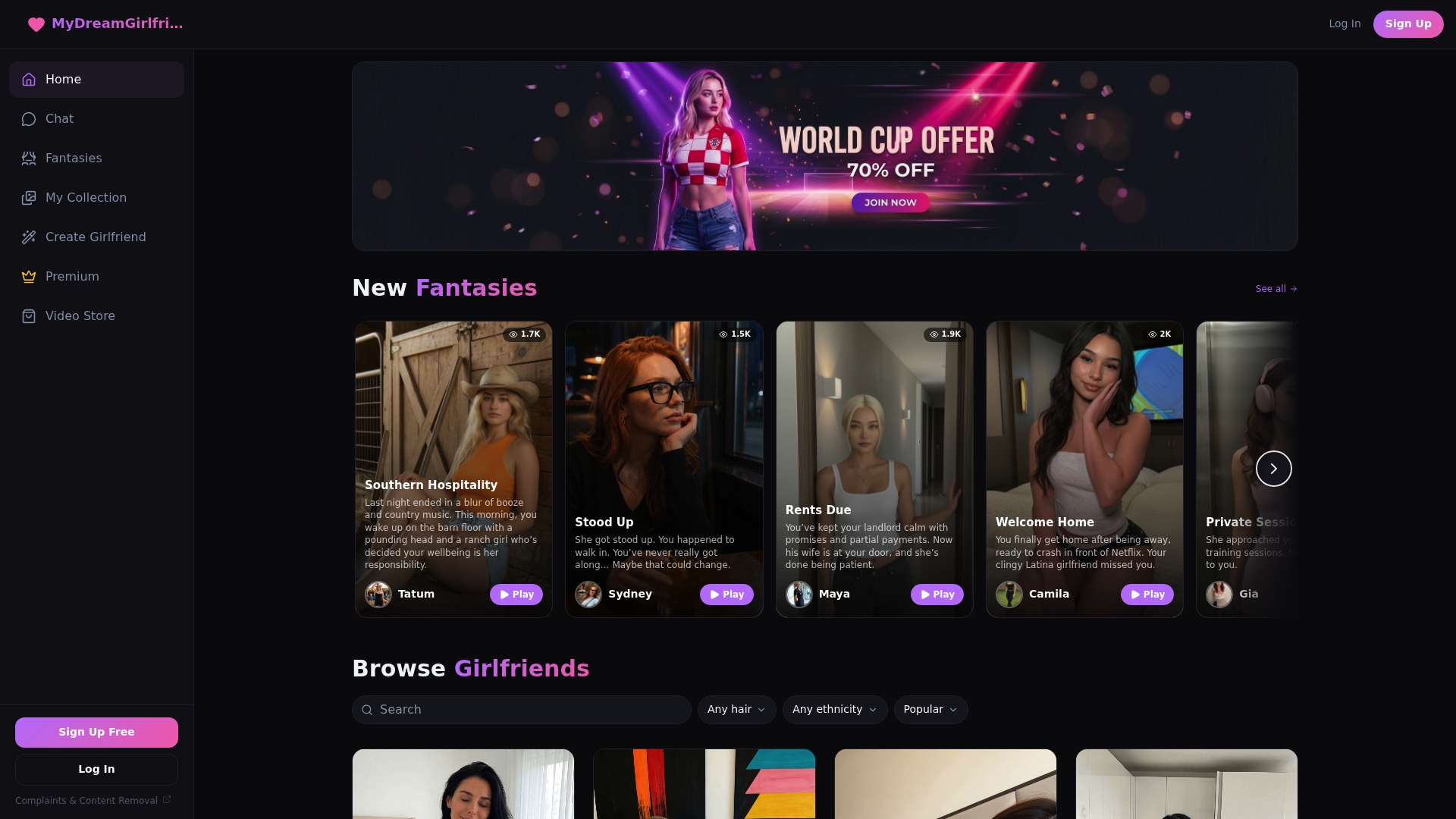
Everything covered here, persona customization, persistent memory, tone control, is built into what we offer. We let you shape an avatar’s hair, style, and ethnicity, set a personality that matches the comfort level you want, and carry conversations forward with memory that references what you’ve already shared. Flirty banter, cozy comfort scenes, or playful fantasy all run through the same natural, responsive chat, with voice calls and photo features available when you want more than text.
A few ways to start:
- Try the Free plan to chat without any upfront commitment.
- Open the character creator to build a companion around your own preferences from scratch.
- Upgrade to Premium for current pricing details if you want unlimited access to your companion’s full range of conversations and content.
If you’d rather jump straight into building, the App walks you through appearance, personality, and memory settings in one place.
This article is general information, not a substitute for advice from a qualified doctor. Consult a qualified healthcare professional about your own circumstances before acting on anything here.
FAQ
What makes cuddle roleplay AI different from a regular chatbot?
A cuddle roleplay AI is built specifically around persona customization, persistent memory, and comfort-oriented scene generation, rather than general task assistance. The focus is on maintaining a consistent character and emotional tone across sessions instead of answering one-off questions.
How does memory actually work in these apps?
Memory means the system stores details you’ve shared, like preferences, backstory elements, or recurring jokes, and references them in later conversations. The AI Girlfriend Chat feature is designed around this kind of continuity so conversations build on each other rather than resetting.
Is it safe to share personal details during roleplay?
Qualitative research shows that users tend to disclose more sensitive information as trust in an AI companion grows, which makes platform data practices worth checking before you share deeply personal details. Reviewing a platform’s privacy and safety practices before getting deeply invested is a reasonable precaution.
Can using a cuddle roleplay AI too much cause problems?
Research following nearly a thousand participants over four weeks found that heavier voluntary use correlated with worse psychosocial outcomes, particularly when trust and attachment to the AI grew quickly. Setting time limits and keeping offline relationships active are practical ways to reduce that risk.
What does it cost to try a platform like MyDreamGirlfriend?
The Free plan lets you start chatting without payment, while Premium costs $12.99 per month for expanded access. Additional photo and video content is available through one-off gem purchases on the gems page.
Sources
- How AI and human behaviors shape psychosocial effects of extended chatbot use: a longitudinal randomized controlled study
- Attachment, loneliness, and social support as moderators of conversational AI–based mental health outcomes
- Toward an Ethic of Synthetic Relationality: Identity, Intimacy, and Risk in AI-Mediated Roleplay Environments