
AI can generate a natural, context-aware opener in one prompt. Feed a chatbot the setting, one or two personal details, and the tone you want, and you’ll get three to five usable lines in seconds. A quick paste-ready example: “Give me 3 casual, funny conversation openers for a coworker I’m meeting at a team lunch who loves hiking. Keep each under 15 words.” That single prompt beats staring at a blank message box.
TL;DR:
- Specific prompts with details about setting, shared interests, tone, and context produce more tailored and effective conversation openers than vague requests.
- Using clear, structured prompt templates — either single-shot or few-shot — ensures consistent quality and control over the generated lines.
- Shorter, online message openers should be under 15 words, while in-person or face-to-face openers can be slightly longer and more involved.
- Practicing the delivery and follow-up of AI-generated openers in low-stakes environments helps improve real conversation flow and authenticity.
- AI tools work best when their output is treated as a rough draft to adjust for your personality, timing, and the specific context.
Table of Contents
- Conversation Starters AI Tools Rely on Specific Inputs
- Prompt Templates You Can Copy Right Now
- Matching the Opener to the Room
- What Prompt Engineering Teaches You About Better Starters
- Keeping the Conversation Going After the Opener
- Why AI Openers Work Better as a Starting Point Than a Script
- Practice Your Openers Before It Counts
- Sources
- FAQ
Conversation Starters AI Tools Rely on Specific Inputs
An AI conversation starter generator is only as good as what you feed it. Vague prompts like “give me an icebreaker” produce generic, forgettable lines. Specific inputs produce lines that actually sound like they were written for the person in front of you, not pulled from a greeting card.
The generators that perform best pull from a short list of inputs, and each one shapes the output in a different way:
- Setting: dating app, office hallway, wedding reception, video call. This tells the AI the formality level.
- Shared detail: a hobby, a mutual friend, a recent post, a piece of clothing. Specific context beats generic labels like “first date” every time, since practitioners who build conversation starter tools consistently find granular detail produces sharper results.
- Tone: casual, flirty, professional, or deep. This changes vocabulary and sentence structure more than any other input.
- Time available: a 10-second app message needs a different length than a face-to-face chat with room to build.
Most generators return one of three output types: open-ended questions, hypothetical scenarios (“Would you rather…”), or topic-specific lines tied to something you mentioned. The fastest workflow is a short loop: generate a batch, pick the one that sounds like you, tweak a word or two, then ask the AI for two follow-up questions tied to that same opener.
Prompt Templates You Can Copy Right Now
Two prompt styles work well for conversation starters: single-shot and few-shot. A single-shot prompt is fast and fine for low-stakes situations. A few-shot prompt, where you show the AI one or two example inputs and outputs before asking for new ones, gives you tighter control over tone, and it’s the same technique OpenAI recommends for consistent style in any chat prompt.
Here are templates you can paste directly into any chatbot:
- Single-shot, general use: “Give me 3 opening lines for [setting] with someone who [detail]. Tone: [casual/flirty/professional]. Under 20 words each.”
- Few-shot, tone-locked: “Example: Setting = coffee shop, detail = reading a sci-fi novel, tone = curious. Output = ‘Okay, is that book actually good, or are you just committed at this point?’ Now do the same for setting = [your setting], detail = [your detail], tone = [your tone].”
- Casual/friend group: “Write 3 lighthearted openers for meeting new people at a party where everyone likes board games.”
- Flirty/dating app: “Write 3 flirty but respectful openers referencing a bio that mentions rock climbing. Keep it playful, not cheesy.”
- Professional/networking: “Write 3 conversation starters for a networking event, aimed at someone whose LinkedIn says they work in renewable energy.”
- Deep/meaningful: “Give me 2 thoughtful questions to ask a close friend I haven’t seen in a year, something beyond ‘how have you been.’”
- Team icebreaker: “Write 3 quick icebreaker questions for a 5-person team meeting, fun but not embarrassing.”
- Funny/low-stakes: “Give me 2 absurd hypothetical questions to break the ice at a casual party.”
Swap the bracketed details for your real situation, and you’ll have a usable line before your coffee gets cold.
Matching the Opener to the Room
The same prompt structure works everywhere, but the tone dial needs to move depending on where you are. A line that lands on a dating app can fall flat in a boardroom, and a networking question repeated word-for-word at a party will sound stiff.
A rough map of context to tone:
- Dating apps: flirty or curious, tied to something specific in their bio or photos. Short enough to read in one glance.
- First dates in person: slightly deeper than the app message, since you already have their attention. Open-ended questions work better than yes/no ones.
- Networking events: professional but not robotic. Reference their work or the event itself, not the weather.
- Team icebreakers: light and inclusive, nothing that puts anyone on the spot in front of coworkers.
- Parties: playful and low-commitment, since people are moving between conversations and don’t want a heavy question right away.
Online messages should run shorter than in-person lines. A dating app opener works best under 15 words, since most people skim. Face-to-face, you have a few extra seconds of attention, so a two-sentence opener with a small setup works fine.
What Prompt Engineering Teaches You About Better Starters
Getting consistent quality out of an AI conversation prompts generator comes down to a few rules borrowed straight from prompt engineering, not from dating advice columns. Structure the prompt like you’d structure instructions for a new employee: clear first, details after.
- Put your instructions and constraints at the very top of the prompt, before any context. Models weigh early text more heavily.
- Use clear delimiters (quotes, dashes, or labeled sections) to separate context from instructions, so the AI doesn’t blend the two.
- Include two to five examples of the tone or format you want. Google’s own chat prompt design guidance notes that grounding a prompt with examples measurably reduces off-target or generic output.
- Keep a static prefix (your standing instructions) first, and put the dynamic details (setting, name, mood) at the end. This ordering also improves consistency across a longer chat session, since the model treats the stable part as a fixed frame.
One often-overlooked detail: ordering your prompt this way isn’t just about quality, it’s about repeatability. A fixed structure means you can swap out just the details field and get reliably good results every time, instead of rewriting the whole prompt from scratch.
Pro Tip: Save your best-performing prompt as a template in your notes app. Swap only the bracketed details each time instead of rewriting the whole thing.
Keeping the Conversation Going After the Opener
A good opener buys you ten seconds. What happens next is what actually matters, and this is where most people freeze even when the AI-generated line worked perfectly.

Ask the AI to do more than just the opener. A useful follow-up prompt is: “Give me 3 follow-up questions I could ask depending on how they respond, plus one backup line if they give a short answer.” This produces a small branching script, sequenced replies for likely answers, so you’re not stuck if the first response is a one-word reply.
Beyond the script, a few habits keep things sounding human instead of rehearsed:
- Reflect back part of what they said before asking your next question. It signals you were actually listening.
- Share a short, relevant detail about yourself after they answer, not before. Trading, not interrogating.
- Hold eye contact and mirror their energy level. If they’re low key, don’t come in loud.
- If a topic clearly isn’t landing, pivot within one or two exchanges instead of pushing it.
Pro Tip: If the AI’s suggested reply sounds too polished, read it out loud once. If you wouldn’t actually say it that way, swap two or three words for your own vocabulary before using it.
Why AI Openers Work Better as a Starting Point Than a Script
AI removes the blank-page problem, and that’s the real value here, not some illusion that a chatbot can hand you charisma. The friction most people feel before a conversation isn’t a lack of personality, it’s the two seconds of panic trying to think of literally anything to say. A generator solves that specific problem well.
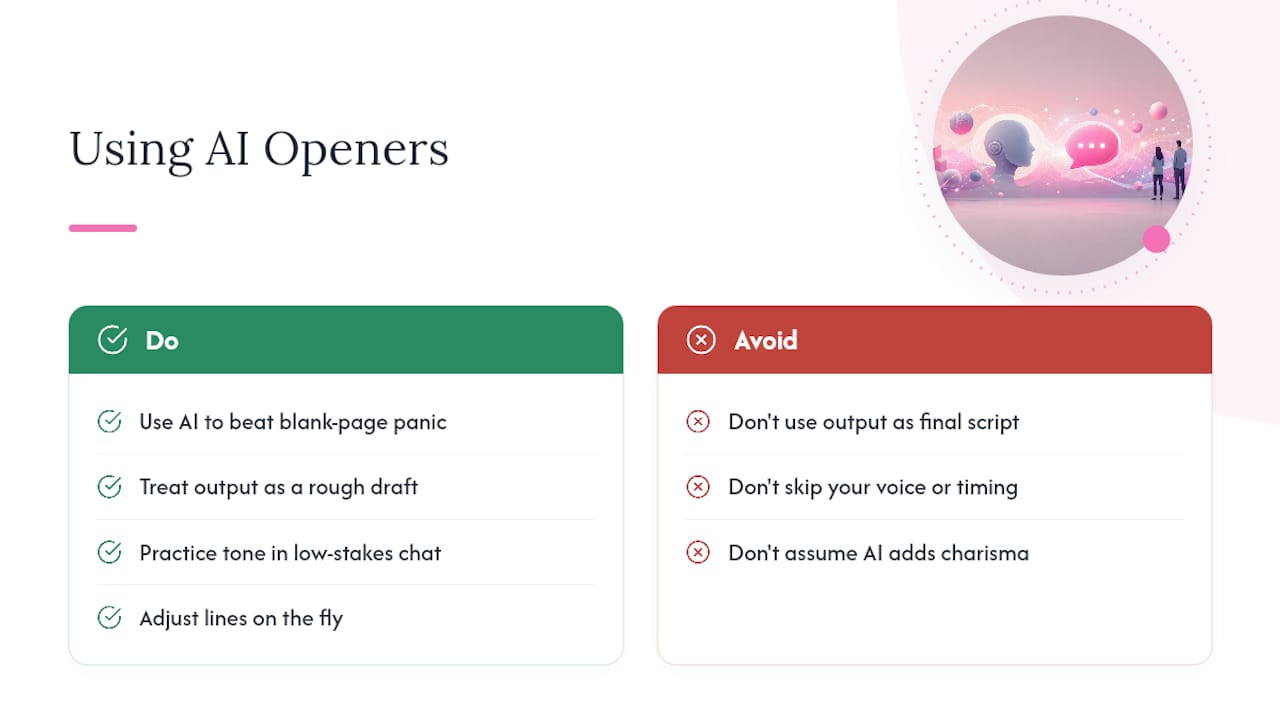
Where AI falls short is delivery. A generated line still needs your voice, your timing, and your read of the room, and no prompt template fixes that. The people who get the most out of these tools treat the AI’s output as a rough draft, not a final script, then adjust on the fly based on how the other person actually responds.
That’s also the logic behind practicing tone and follow-ups somewhere lower stakes before a real conversation. Mydreamgirlfriend retains context across a conversation, which makes it useful for testing how a flirty or casual line actually plays out over several exchanges, not just as a single message.
— Pierce
Practice Your Openers Before It Counts
Mydreamgirlfriend gives you a private space to test tone before you use it on someone whose reaction actually matters. Instead of guessing whether a flirty opener lands or a follow-up question sounds forced, you run it through a companion that remembers your last exchange and responds the way a real conversation would unfold.
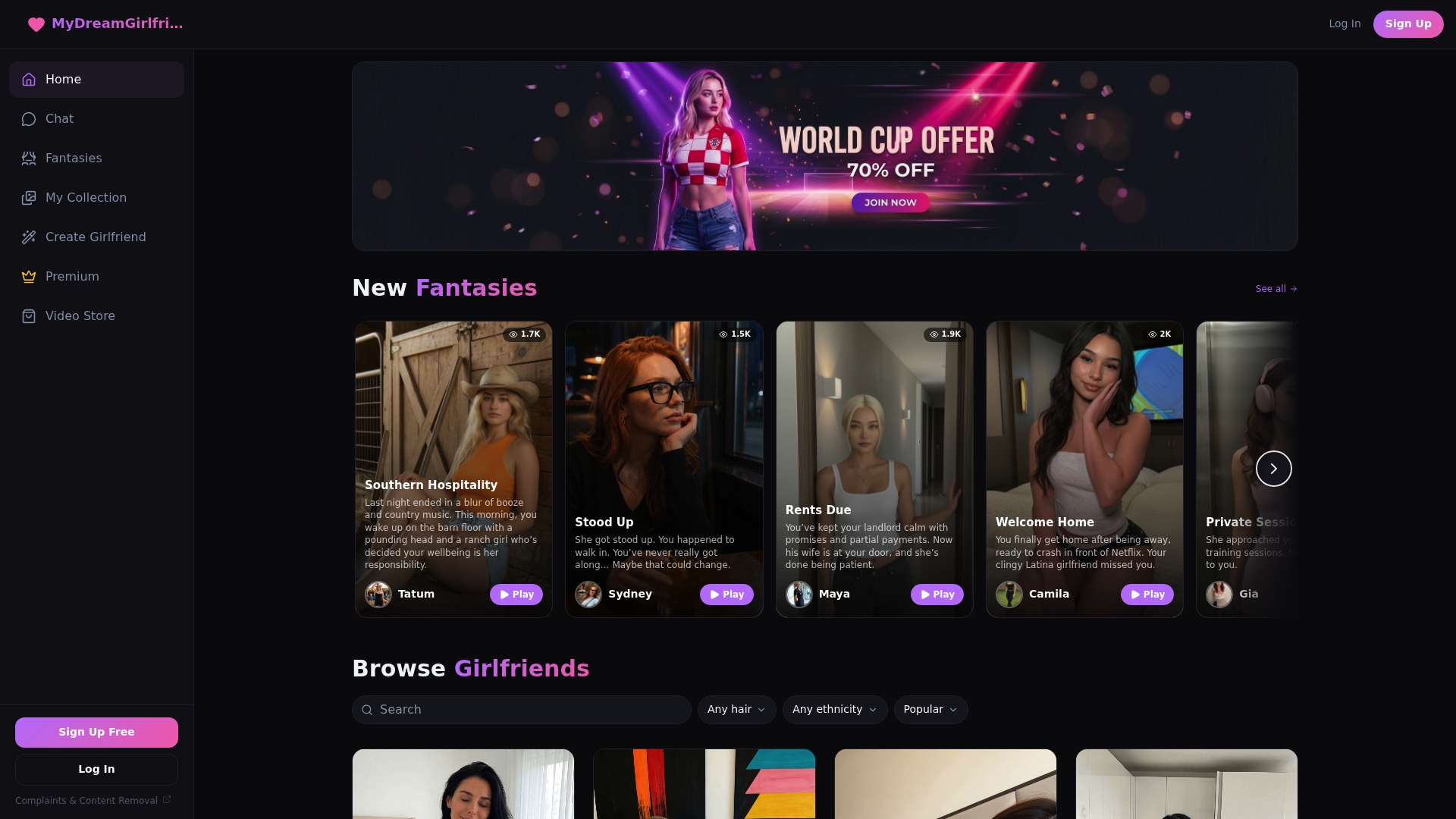
Start with the free plan to try a handful of lines with no commitment, or build a companion suited to the tone you’re practicing using the character creator. If you want unlimited sessions to refine your delivery across dozens of scenarios, Premium runs $12.99 per month and removes the caps on conversation length and follow-up depth. Either way, the fastest way to know if a line works is to say it out loud to someone who talks back.
Sources
- Prompt engineering best practices for ChatGPT — OpenAI Help Center
- How to structure context for chat, RAG, and coding agents — Together AI docs
- Design chat prompts — Google Cloud Gemini docs
- Conversation Topic Generator: 300+ Starters | RandomTopics
FAQ
How Do I Start a Conversation With AI?
Open with a specific prompt naming your setting, one detail about the person, and your desired tone, like “3 casual openers for a coworker who runs marathons.” The more specific the input, the less generic the output.
What Makes a Good Conversation Starter?
A strong opener references something specific rather than a generic label, stays short enough to read in one glance, and leaves room for an easy answer. Grounding the prompt with an example of the tone you want tends to produce sharper, less generic lines.
Is There a Flirty AI I Can Practice With?
Yes. Platforms built for companionship, like Mydreamgirlfriend, let you practice flirty tone and follow-up questions in a private conversation that remembers earlier exchanges, which is useful for testing delivery before using a line elsewhere.
Where Can I Find Popular AI Chatbots for Conversation Practice?
General-purpose chatbots handle basic prompt generation for openers, while companion-style platforms add persistent memory so you can practice a full exchange, not just a single line. Categories worth exploring include general AI assistants for quick prompt generation and dedicated companion apps for tone and follow-up practice.