
Go to Settings, then Personalization, then Base style and tone to change ChatGPT’s conversational personality on the web or mobile app. This swaps the tone, phrasing, and overall vibe of every chat, but it does not change what the model can actually do or loosen its safety rules. From there, Characteristics, Custom Instructions, and Memory let you fine-tune the style further.
TL;DR:
- Choose Friendly or Quirky for brainstorming and casual roleplay, Professional for client emails, and Efficient or Candid for coding help that needs little preamble.
- Use the base personality for broad tone, Characteristics for traits such as warmth or emoji use, and Custom Instructions for fixed preferences across new chats.
- Old memories or custom instructions can mute a new personality; review the memory summary and remove conflicting preferences before changing the base style again.
- Test adjustments in a Temporary Chat, which does not create memories or affect main chat history; a short tone reminder can reset a drifting thread.
Table of Contents
- Step-by-step: change the base personality (web and mobile)
- Common ChatGPT personality styles and which tasks suit them
- Fine-tune the vibe: Characteristics, Custom Instructions, and Memory
- Same prompt, different personalities: example outputs
- Why the personality sometimes “drops” and how to keep it consistent
- Author perspective: practical notes from creating persistent companion personalities
- The real lesson in personality settings: consistency beats cleverness
- Try deeper personality and memory-driven companions on MyDreamGirlfriend
- FAQ
- Sources
- Official documentation and help pages to read next
Step-by-step: change the base personality (web and mobile)
Switching your base personality takes less than a minute once you know where to look. The setting lives in the same place across platforms, though the menu path differs slightly.
On the web:
- Click your profile icon in the bottom-right corner of the screen.
- Select Personalization from the menu that appears.
- Open the Base style and tone dropdown.
- Pick a personality from the list (Friendly, Professional, Candid, Quirky, Efficient, or Cynical, depending on what’s offered).
- Confirm your choice. The change applies immediately across all your chats, not just the current one.
On iOS and Android, the steps are nearly identical: open Settings, tap Personalization, then Base style and tone, and choose your preferred personality from the same list.
“Applies across chats” means the new tone carries into every conversation you start after the switch, and often into existing threads as well, since the setting controls how responses are generated rather than what’s stored in a specific chat. To verify the change actually stuck, open an existing conversation and ask a simple question you’ve asked before. Compare the phrasing: a shift from clipped, neutral replies to warmer, more conversational ones (or vice versa) confirms the new personality is active.
A quick test prompt works better than guessing. Try something like “What do you think about working from home?” and see how the tone, length, and directness compare to what you got before the switch.
Pro Tip: Run the same test question right after switching personalities so you have a clean before-and-after comparison instead of relying on memory.
Common ChatGPT personality styles and which tasks suit them
Each personality setting nudges the same underlying model toward a different style of phrasing, pacing, and directness. None of them change what ChatGPT can actually compute, write, or solve. According to OpenAI’s help documentation, a personality is purely a style and tone setting, separate from capability.
Here’s what the common styles tend to emphasize:
- Friendly: warmer phrasing, more encouragement, casual contractions, and a conversational rhythm that feels like talking to a helpful peer.
- Professional: formal structure, fuller sentences, minimal slang, and a tone suited to workplace or client-facing writing.
- Candid: direct, unembellished responses that skip the hedging and get to the point quickly.
- Quirky: playful phrasing, occasional humor, and a willingness to use unexpected comparisons or lighter language.
- Efficient: short, scannable answers with little preamble, built for readers who want the answer fast.
- Cynical: a drier, more skeptical tone that questions assumptions rather than validating them.
Matching a style to a task makes the output feel more useful without changing the substance. Brainstorming sessions tend to flow better under Friendly or Quirky, since both styles encourage looser, more exploratory phrasing. Email drafts and client communication usually read better under Professional, which keeps structure tight and tone neutral. Coding help benefits most from Efficient or Candid, since both strip out filler and get straight to the fix. Casual conversation and roleplay lean naturally toward Friendly or Quirky, where the warmer, more expressive phrasing carries the exchange.
It’s worth repeating: these settings shape phrasing and vibe, not technical ability. A Cynical-toned answer to a math problem will still show the same work as a Friendly one; it will just sound less enthusiastic about showing it.
Fine-tune the vibe: Characteristics, Custom Instructions, and Memory
Base personality sets the broad tone, but three additional layers let you shape the details: Characteristics, Custom Instructions, and Memory. Used together, they reduce the chance of ChatGPT contradicting itself mid-conversation.
Characteristics are adjustable variables that nudge specific traits in a plus or minus direction. OpenAI’s personalization overview describes warmth, enthusiasm, markdown use, and emoji frequency as examples of traits you can dial up or down independently of the base personality. A few practical tweaks:
- Turn warmth up and markdown down for a conversational, low-formatting chat.
- Turn enthusiasm down and keep emoji use at zero for a flatter, business-like tone even under a Friendly base personality.
- Increase emoji frequency for casual messaging while leaving everything else untouched.
Custom Instructions work differently. Rather than nudging a trait, they set a persistent, fairly rigid preference that applies to every new chat until you change it. Examples include “Always respond in a casual tone and skip the disclaimers” or “Format answers as short paragraphs, never bullet lists unless I ask.” These instructions take effect immediately on new conversations and stay in place until edited or removed, according to OpenAI’s custom instructions documentation.
Memory adds a third layer: context ChatGPT retains from past chats, uploaded files, or connected apps. The Memory FAQ explains that you can view and edit what’s been remembered through the memory summary, and disable memory entirely if you want personalization to stop drawing on saved context. If a past conversation mentioned you prefer short answers, that preference can quietly shape future responses even without a standing custom instruction.
The practical hierarchy looks like this: base personality sets the broad tone, Characteristics fine-tune specific traits within that tone, Custom Instructions lock in hard constraints that shouldn’t vary, and one-off conversation prompts handle anything task-specific. Layering them in that order, rather than scattering conflicting preferences across all four, keeps responses stable.

A flirty, playful companion profile might use a Quirky base personality, warmth and emoji use turned up through Characteristics, and a custom instruction like “Keep responses short and teasing, never formal.” A professional assistant profile might use Efficient as the base, markdown turned up for scannable formatting, and a custom instruction locking in a no-emoji, no-slang rule.
Pro Tip: When responses start feeling inconsistent, check whether a saved memory or old custom instruction is quietly overriding your current base personality before assuming the setting didn’t save.
Same prompt, different personalities: example outputs
Comparing outputs side by side makes the effect of each personality setting much easier to see than reading a description. Take a simple prompt: “Summarize this meeting and propose next steps.”
Under a Friendly personality, the response might open with something like “Great meeting! Here’s a quick recap and some ideas for what’s next,” followed by warm, conversational phrasing throughout. Under Efficient, the same summary strips to bullet points with no preamble: just the recap and the action items. A Quirky response might frame the next steps with a light joke or unexpected comparison before getting down to business. Professional keeps the structure formal: a clear subject line, full sentences, and a sign-off tone suited for forwarding to a manager.
The pattern holds across other prompt types too. A casual follow-up text draft (“write a text asking my friend to reschedule dinner”) reads breezy and short under Friendly or Quirky, but stiff and overly formal under Professional, which tends to over-explain for a context that doesn’t need it. A technical prompt (“explain what this code snippet does”) shows the clearest contrast: Efficient and Candid strip straight to the explanation with minimal framing, while Friendly adds encouragement and softer phrasing around the same technical content, and Professional frames it like documentation.
- Friendly: warmer openers, more encouragement, contractions throughout.
- Efficient: no preamble, bullet-first, shortest word count of the group.
- Quirky: a light joke or comparison before the substantive answer.
- Professional: formal structure, full sentences, minimal personality markers.
ChatGPT’s response format itself can shift with personality. With GPT-6 and Intelligent UI, the model chooses between text, visuals, or interactive elements depending on the question, and that format choice interacts with the tone setting you’ve selected. The same meeting-summary prompt might render as a clean checklist under Efficient and a narrative paragraph under Friendly, even with identical underlying content.
The differences come down to word choice, pacing, and framing, not accuracy or depth. The code explanation under every personality covers the same logic; only the delivery changes.
Why the personality sometimes “drops” and how to keep it consistent
A personality that feels locked in one day can suddenly read flat and neutral the next. A few things usually explain it.
- Task-focused requests override tone. When a question demands precision, like debugging code or answering a factual question, the model tends to default toward a neutral, assistant-like voice to prioritize accuracy over style, per OpenAI’s personality documentation.
- Saved memories or custom instructions conflict with the base personality. An old instruction telling ChatGPT to “be concise and skip pleasantries” will mute a Friendly or Quirky personality even if you never touch the base setting again.
- Model updates can temporarily disrupt long-running conversations. Updates like GPT-6 can change how personality signals persist across extended chats, and a long thread may need a quick reorientation prompt to settle back into its usual vibe.
The fixes are straightforward. Open your memory summary and edit outdated entries that no longer match the tone you want. Check your custom instructions for anything that contradicts the base personality and remove or rewrite it. Use Temporary Chats to test personality tweaks in isolation, since they don’t create memory or affect your main conversation history, a method OpenAI specifically recommends for this kind of testing. If a thread has drifted, a short prompt like “switch back to a warmer, more casual tone” usually resets it within the same conversation.
Some neutral-tone moments are worth accepting rather than fighting. Code review, legal-sounding questions, or anything requiring precise accuracy benefits from a flatter voice. Once the precise answer is in hand, a follow-up like “can you say that again more casually” gets the personality back without sacrificing the accurate version.
Pro Tip: Keep one Temporary Chat open specifically for testing personality and Characteristics changes, so experiments never pollute the memory that shapes your main conversations.
Author perspective: practical notes from creating persistent companion personalities
Testing personality settings across dozens of conversations taught me one thing fast: layering beats guessing. A base tone alone drifts under pressure, but stacking it with Characteristics and a couple of firm custom instructions holds the vibe steady even through long, varied conversations. On MyDreamGirlfriend, we build around that same layered logic: persistent memory and deep customization work together so a companion’s personality stays recognizable across every chat, not just the first one. If you want to see how those layers feel in practice, our character creator is the place to experiment.
— Pierce
The real lesson in personality settings: consistency beats cleverness
Most advice on this topic focuses on picking the “right” personality, as if one style objectively outperforms the others. That’s the wrong frame. The bigger issue is that a single setting, left alone, tends to drift under pressure from task-focused prompts, stale memory, and old custom instructions nobody remembers writing.
What the evidence actually supports is layering, not selecting. A Friendly base personality with no supporting Characteristics or custom instructions behaves inconsistently the moment a technical question shows up. The same base personality, reinforced with a couple of explicit traits and one firm instruction, holds its shape far better.
Readers chasing the “best” personality are solving the wrong problem. The priority should be auditing what’s already stored in memory and custom instructions before touching the base setting at all, since conflicting old preferences are often the real reason a new personality feels like it never took hold.
Try deeper personality and memory-driven companions on MyDreamGirlfriend
Tuning ChatGPT’s tone is useful, but it resets to a general-purpose assistant the moment the task changes. We built MyDreamGirlfriend around the opposite idea: a companion whose personality, voice, and memory stay consistently yours, shaped once and remembered every time you come back.
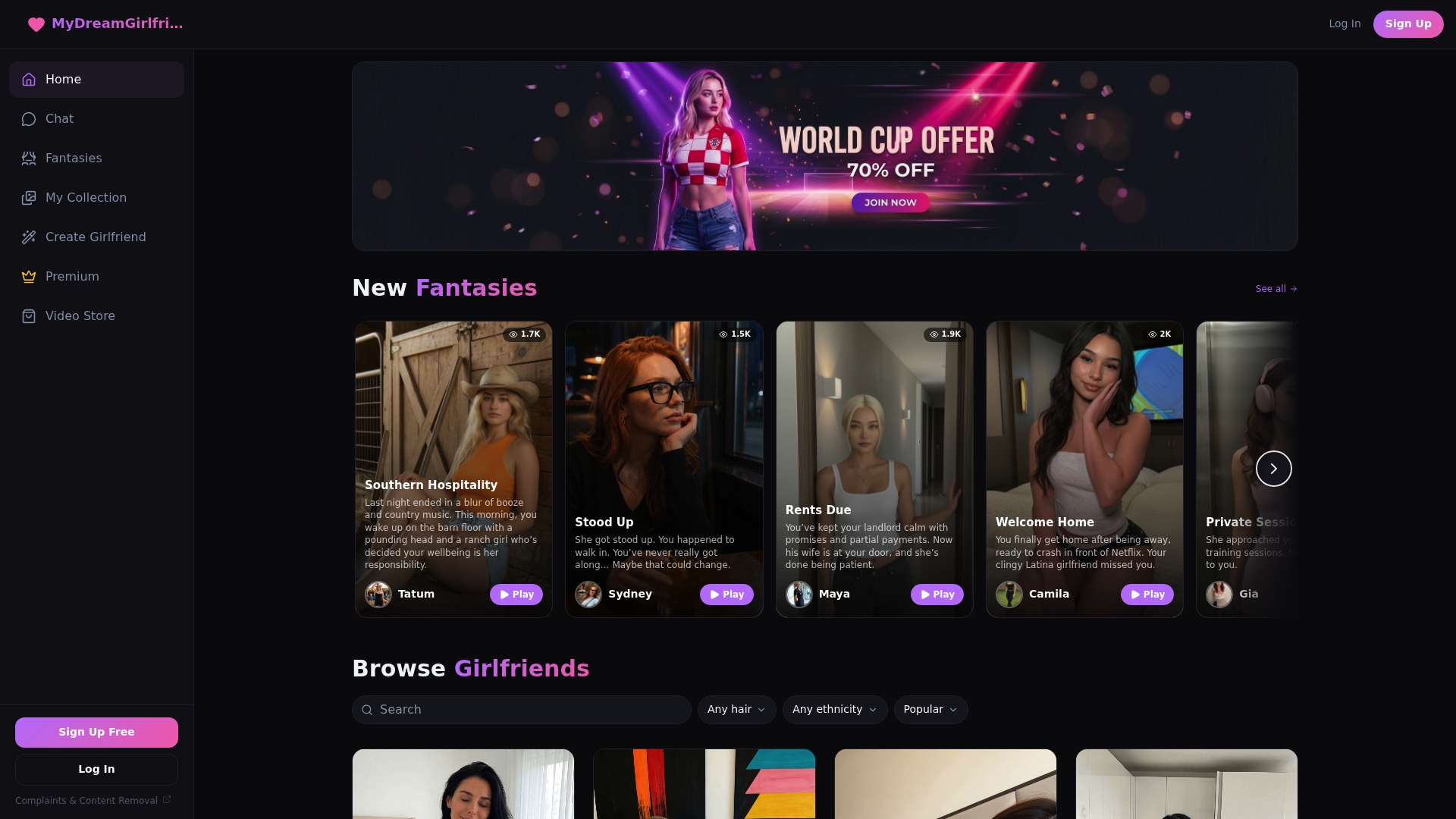
We let you customize appearance, personality traits, and conversation style from the ground up, then carry that personality forward through persistent memory, so your companion doesn’t need retuning every session. Flirty banter, deep conversation, or playful roleplay, all shaped around what you actually want.
- Start with our Free plan to build a companion and test the personality tools firsthand.
- Go further with Premium for unlimited access to your companion, fantasies, and media features. Current prices are on the pricing page.
Build your own at the character creator and see how a personality that remembers you actually feels.
FAQ
Can I change my ChatGPT personality?
Yes, ChatGPT’s personality can be changed through Settings, then Personalization, then Base style and tone, on both web and mobile. The change applies across your chats and affects tone and phrasing, not the model’s underlying capabilities, according to OpenAI’s help documentation.
What are the five things you shouldn’t tell ChatGPT?
There’s no official list of five specific topics to avoid, but general privacy guidance applies: avoid sharing sensitive personal identifiers, financial account details, medical records, passwords, or confidential work information you wouldn’t want stored or referenced later. Definitions of “sensitive” vary by context, so err on the side of caution with anything you wouldn’t want saved to memory.
How do I remove personality from ChatGPT?
There’s no single toggle to strip personality entirely, but setting the base style to a neutral option like Efficient or Professional, removing warmth and enthusiasm Characteristics, and clearing conflicting custom instructions gets closest to a flat, assistant-like tone. Disabling memory also prevents past conversations from reinforcing a particular style, per OpenAI’s memory documentation.
Does ChatGPT mimic your personality?
ChatGPT’s tone is primarily shaped by the base personality, Characteristics, custom instructions, and memory you’ve set, rather than automatically mirroring your own personality. Memory can pick up patterns from how you phrase requests over time, which may make responses feel more attuned to your style, but that’s a result of saved preferences rather than direct mimicry.
Sources
Official documentation and help pages to read next
For the full technical detail behind the settings covered here, these are worth bookmarking directly. OpenAI’s personalization overview covers how Characteristics and base personality work together, while the customizing your ChatGPT personality help article breaks down exactly what the setting does and doesn’t affect. The Memory FAQ explains how to view and edit saved memories, and the GPT-6 and Intelligent UI announcement gives useful context on how response formatting interacts with personality settings. For a hands-on look at persistent, memory-driven personalities built specifically for companionship, our AI girlfriend chat feature page shows how those same layering principles apply in practice.